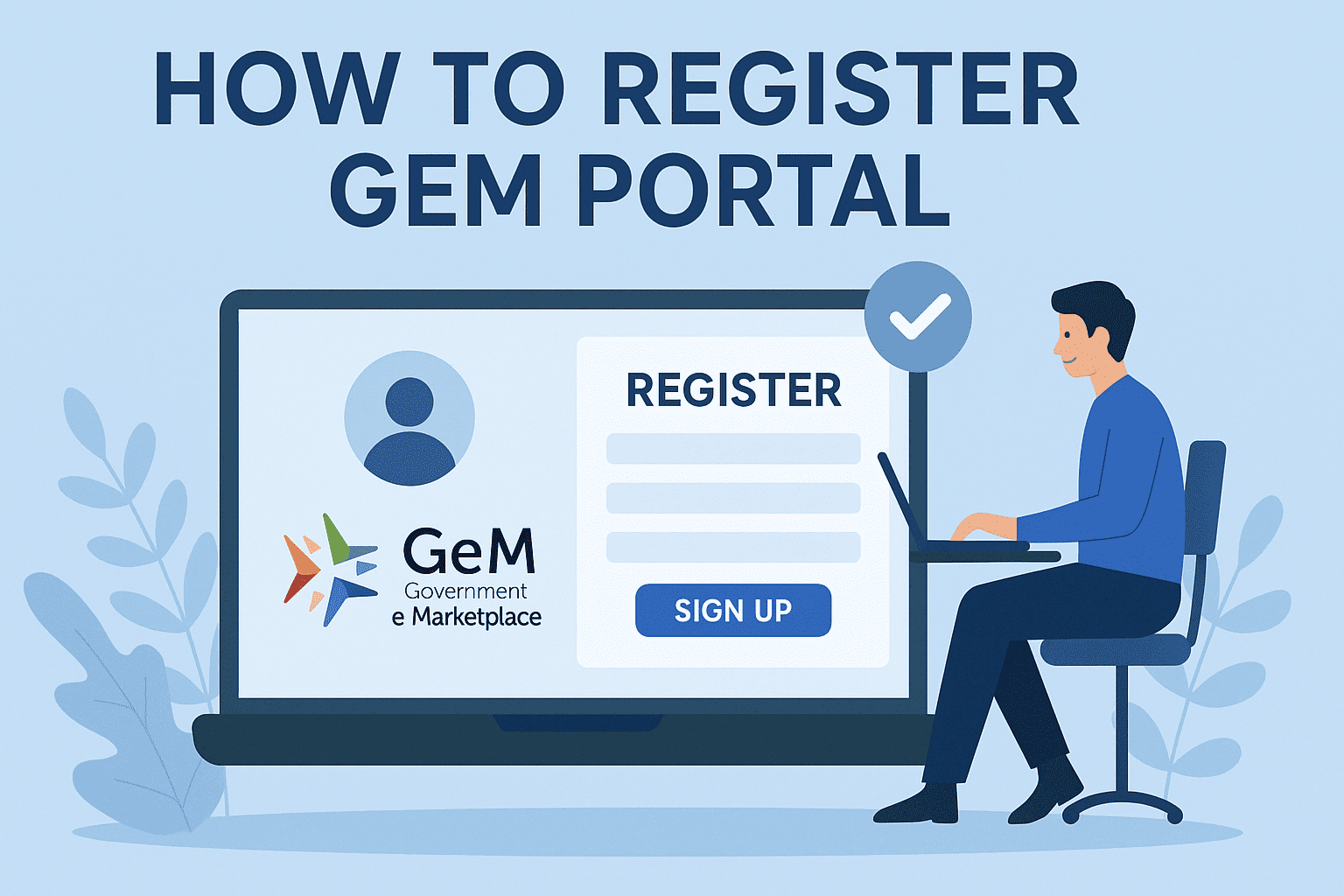
Indian government has simplified and streamlined the process of public procurement in the current digital world of a fast moving market, making Government e-Marketplace (GeM). Be it a MSME, a startup or a large enterprise, GeM registration can unlock the possibility of selling products and services directly to different government departments in a very huge way. In this blog post, Tender 18 tells us about the steps to be followed to register on the GeM portal, the eligibility, documentation, and the advantages of registrations.
Get GeM Portal Free Registration & Support Services, Call or WhatsApp- +91 7069661818 |
|---|
The GeM portal is the online platform that has been introduced by the Government of India in 2016 within the Ministry of commerce and industry. It simplifies the process of procuring goods and services needed by the government departments, ministries and PSUs in an open, efficient and paper free manner. The GeM site has improved fair competition, doing business, and helps the MSMEs to get government contracts in any location of India.
There are two primary types of users on the GeM platform:
Buyers – Government departments, ministries, and PSUs.
Sellers/Service Providers – Businesses, MSMEs, manufacturers, startups, and service providers.
In this blog, we’ll focus on the seller registration process.
The following entities are eligible to register on the GeM portal as sellers:
Before you start the registration process, keep the following documents and details ready:
Here’s a complete walkthrough of how to register on the GeM portal as a seller:
Go to the official website: https://gem.gov.in
You can register using either:
Aadhaar Number linked with your mobile number
OR
PAN (Permanent Account Number) for your business entity
Make sure the details match your business records to avoid any mismatch during verification.
Once you enter your Aadhaar or PAN details:
Enter all required business information:
Provide the correct bank account details:
Upload scanned copies of the mandatory documents like:
Select the products or services you intend to sell on the GeM portal.
After uploading all documents and filling in the required details, review everything.
Click on Submit.
You will receive a confirmation email and application ID for tracking.
The GeM team will verify your application.
Upon successful verification, your Seller ID will be generated.
You can now log in, upload your products, set prices, and start participating in bids.
| Step | Action | Description |
|---|---|---|
| 1 | Visit Website | Go to gem.gov.in |
| 2 | Choose Seller | Click on Seller registration |
| 3 | Aadhaar/PAN | Use Aadhaar or PAN for identity verification |
| 4 | Verify with OTP | Enter OTP received on registered mobile |
| 5 | Business Info | Add business name, type, contact details |
| 6 | Bank Details | Add account number, IFSC, bank name |
| 7 | Upload Docs | Upload PAN, GST, Udyam, address proof |
| 8 | Select Products | Choose categories to sell in |
| 9 | Submit | Submit application for verification |
Registering as a seller on GeM provides several strategic advantages:
Get direct access to over 9000+ government buyers including ministries, PSUs, and departments.
You don’t need to spend on advertisements to reach government buyers.
Participate in competitive bids with complete transparency.
GeM ensures prompt payment cycles after successful order fulfillment.
Online and paperless procedures make it easier for MSMEs and startups to engage in public procurement.
The government promotes MSMEs with reserved procurement quotas and reduced competition in certain segments.
Keep your product catalog updated with descriptions, specs, and pricing.
Respond quickly to buyer queries and tenders.
Maintain good performance ratings by fulfilling orders on time.
Stay compliant with all GeM policies and updates.
Apply for OEM authorization if you're a manufacturer for better visibility.
The GeM portal is a revolution to the move of businesses that are interested in expanding by supplying to the government. It reduces the traditional routes to government purchasing since registration is very simple and easy to manage. Be it a manufacturing unit, service provider, or a new company, it is high time to utilize the GeM platform to make business. Tender18 makes it easy to keep abreast of the new gem tenders, rules of procurement, and opportunities. Also, our team will help you figure out how to proceed with the process of GeM registration and tender bidding.
Looking For Complete Tender Bidding Consultancy? Our Technical Experts Will Help You Prepare And Submit Your Tender Successfully.