Government tenders create valuable opportunities for contractors, suppliers, and service providers across industries. Whether you are exploring tender notices, checking GeM tenders, or applying for PWD tenders, understanding how the system works is essential. This guide explains how to find the right opportunities and follow the correct bid submission process so you can participate confidently and improve your chances of success.
Get Tender Notice Information, Bid Submission Support & Tender Registration Assistance Call - +91 7069661818 |
|---|
A tender notice is an official announcement issued by government departments or organizations to invite bids for projects or services. It contains important details such as eligibility criteria, scope of work, deadlines, and submission guidelines.
Today, most tender notices are published online through eProcurement systems. You will commonly find:
Understanding these details properly is the first step toward successful bidding.
Every business entering government procurement depends on tender notices to identify opportunities.
By analyzing the right tenders, you can:
Keep in mind, regularly tracking government tenders ensures you never miss valuable opportunities.
Different projects follow different procurement methods. Knowing the types helps you choose wisely.
Available to all eligible bidders and widely used across government departments.
Invitations are sent to selected vendors for specific requirements.
These are fully digital tenders where submission happens online through portals.
Departments release specialized tenders such as:
The GeM portal offers centralized procurement for goods and services, making it easier for businesses to participate.
Finding the right opportunities is easier today with digital platforms.
You can search for government tenders on:
Instead of checking multiple portals manually, platforms like Tender18 help you track tender notices, GeM tenders, and ongoing bids in one place.
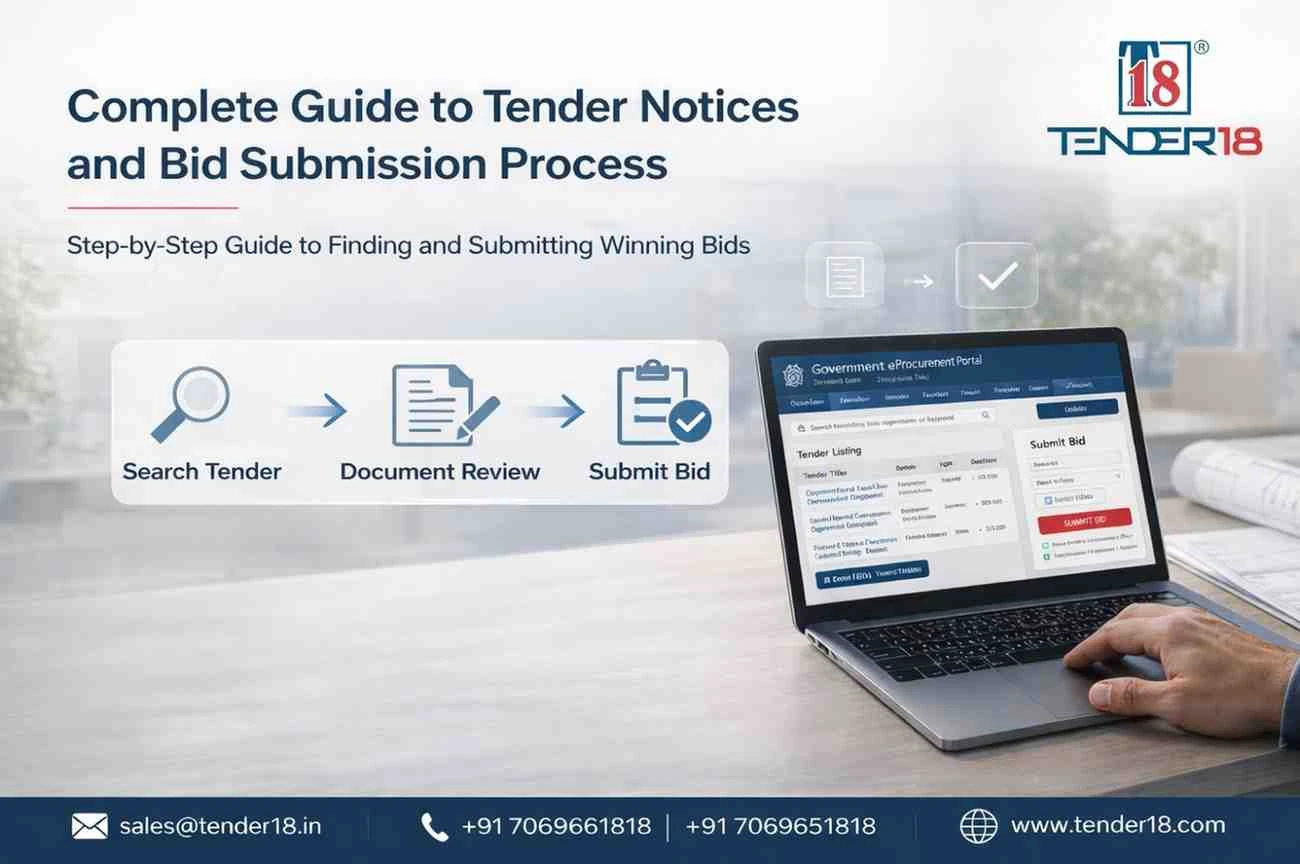
Understanding the bid submission process is crucial to avoid rejection.
1. Register on the Portal
Start by registering on the relevant portal to access tenders.
2. Prepare Required Documents
Keep documents ready such as PAN, GST, financial records, and DSC.
3. Search Relevant Tenders
Use filters to find suitable government tenders based on your business category.
4.Review Tender Details
Carefully read eligibility, BOQ, and specifications before applying.
5. Prepare Your Bid
Create technical and financial bids as per requirements.
6. Submit Before Deadline
Upload all documents and complete submission on time.
7. Track Updates
Monitor updates, corrigendum, and results after submission.
Next up — consistency matters. Regular tracking helps you identify better opportunities early.
Many bidders lose contracts due to avoidable errors.
Incomplete documentation is one of the main reasons for rejection. Even a small mistake can lead to disqualification.
Ignoring updates in a tender notice can also create problems, especially when deadlines or requirements change.
Last-minute submissions increase the risk of technical issues.
Keep in mind, accuracy and preparation are more important than speed.
Winning tenders requires a focused strategy.
Apply only to relevant government tenders that match your experience and capacity.
Track tender notices regularly to stay updated with new opportunities.
Study previous bids to understand pricing trends and competition.
Also, focus on the right platforms:
One key point — consistency and proper planning significantly improve success rates.
Digital platforms have made bidding more transparent and accessible.
Through e tender notice systems and the GeM portal, businesses can:
This has opened doors for MSMEs and startups to participate in government tenders more easily.
Managing multiple portals and tracking tenders manually can be time-consuming.
Tender18 simplifies the process by providing:
This helps you focus only on the most relevant opportunities.
What is a tender notice
A: A tender notice is an official invitation to bid for a project or service issued by an organization.
Where can I find government tenders
A: You can find them on eProcurement portals, GeM, and platforms like Tender18.
What is GeM tender
A: GeM tenders are procurement opportunities available on the Government e-Marketplace platform.
Is DSC mandatory for bidding
A: Yes, a Class 3 Digital Signature Certificate is required.
Understanding tender notices and the bid submission process is essential for participating in government procurement. With the growth of digital platforms like GeM and eProcurement systems, accessing tenders has become easier but more competitive.
The key is simple — choose the right opportunities, prepare properly, and stay consistent.
Start Finding Government Tenders Today
Don’t miss out on valuable opportunities.
Get daily updates, expert support, and complete bidding assistance with Tender18. Call now at +91 7069661818 and Start finding and winning the right tenders today.
Looking For Complete Tender Bidding Consultancy? Our Technical Experts Will Help You Prepare And Submit Your Tender Successfully.